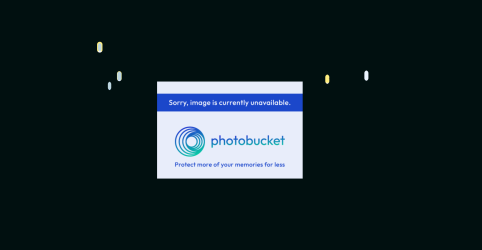
Little pill shaped blue and yellow icons on screen in Tahoe

MichaelS59

Registered
Immediately after installing Tahoe I started to get these shapes appearing on the screen - illustrated in screenshot on the black background. They can only be gotten rid of by restart. What are they and how to prevent?!
thanks all
 

Attachments

  • Screenshot 2025-11-14 at 13.28.18.png
    Screenshot 2025-11-14 at 13.28.18.png
    197.8 KB · Views: 14
You posted a screen shot that says 'Sorry, image not available'
Now, just looking at that image, I now see those tear drops.
 
It comes after I do a search in word and the highlighted items remain on the screen - producing these tear like drops - in all apps except when I stream video when they are occluded. I can get rid of them by closing word, but ending the search does not get rid of them! They hang around like ghosts... any thoughts anyone?
 
It comes after I do a search in word and the highlighted items remain on the screen - producing these tear like drops - in all apps except when I stream video when they are occluded. I can get rid of them by closing word, but ending the search does not get rid of them! They hang around like ghosts... any thoughts anyone?

I have only had a couple reports of it, but it appears that older vesions of Word aren't fully compatible with Tahoe. So it seems that the solution is either to get an updated version of Word, or you can try FreeOffice instead and see if that meets your needs:

FreeOffice (free)
 
Back
Top